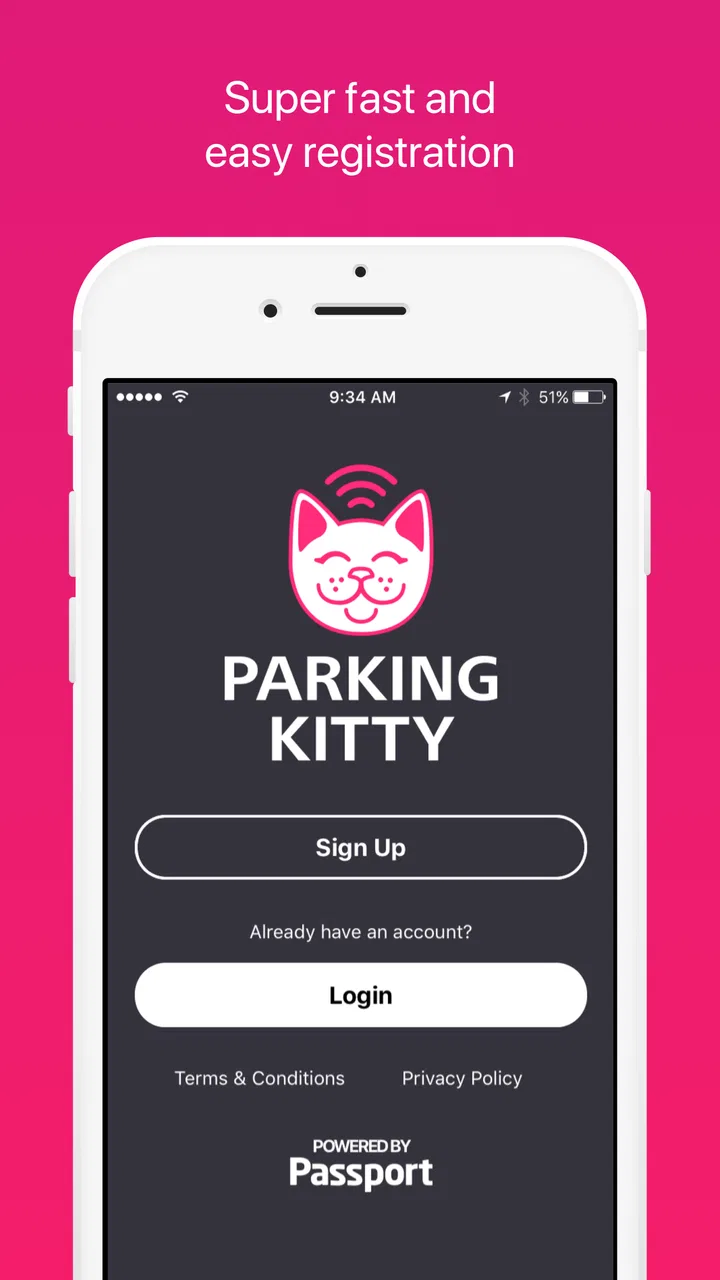
Parking Kitty
- 4.6
- Rating
- 500.00K
- Installs
- Free
- Price

 Analysis by App-foxy
Parking in Portland is the kind of task that looks simple until you are already late, standing beside a meter, and trying to work out whether you have paid for the correct space. I found Parking Kitty useful because it puts the payment process on my phone instead of making me search for coins or walk back to a meter. It is a free travel and local app from the City of Portland, Oregon, aimed at making city parking less awkward rather than turning it into a full trip-planning tool.
My experience was generally positive, but the app is not magic. The most important part is getting the setup right before you need it. A weak mobile connection, an incorrect zone, an expired payment session, or simply being in a hurry can make the process feel more complicated than it should. Once those basics are under control, the app becomes a practical companion for drivers who regularly park in Portland and want a quick way to manage payment from the curb.
Where Parking Kitty Helps, and Where People Get Stuck
The main appeal is convenience. Instead of treating parking as a separate errand involving a physical meter, I can use my phone at the point where I leave the car. That is especially helpful when the weather is unpleasant, when the meter is a short walk away, or when I am carrying bags, helping children, or trying to reach an appointment. The app’s store summary says parking has become easier in Portland, and that is a fair description of its purpose, although the benefit depends heavily on careful zone selection.
You May Also Like

 Blood Strike: 2.5 Anniversary
Blood Strike’s Loadouts Turn Every Drop Into a Tactical Gamble
A close look at Blood Strike’s custom loadouts: how fast access to signature weapons reshapes its battle royale rhythm, rewards preparation, and narrows the gap between fights.

 Pandora - Music & Podcasts
Pandora’s Music Is Easy to Start, but Harder to Recover
Pandora’s strength is its low-effort path from a seed to a station. Its weak spot is how much confidence it asks you to place in connection, setup, and quiet recovery.

 8 Ball Pool
8 Ball Pool Is Built on Rivalries, Rematches, and Routine
A close look at the rivalries, rematches, shared routines, and unanswered safety questions that turn a quick pool match into a persistent mobile community.

 Samsung Music
Samsung Music’s Quiet Strength Is Playing What You Already Own
Its reach comes less from spectacle than from dependable access to a personal library. That simplicity is both the app’s strongest retention engine and its ceiling.

 AccuWeather: Weather Radar
AccuWeather Review: A Quick, Clear Forecast for Everyday Decisions
For everyday plans, the best forecast is the one you can understand quickly. AccuWeather makes rain timing, radar, and local conditions easy to act on, with a few trade-offs.

 Hill Climb Racing
Why Hill Climb Racing Still Turns Crashes Into One More Run
A tiny car, a bumpy hill and one more upgrade: Hill Climb Racing keeps resurfacing because its simple chaos makes every near-miss feel personal.
More From Our News Desk



New users can get stuck because parking apps require more attention than a simple tap-and-pay purchase. You need to recognize the location information shown around the parking area, choose the matching parking zone, and check that the session applies to the vehicle you are actually using. A rushed selection can be more serious than a slow one: paying for a nearby but different area may not cover the space where the car is parked.
I recommend pausing beside the car and reading the signs before opening the payment screen. Look for the zone information and any local instructions, then compare what you see with the app. Do not rely only on the street name or on memory from a previous visit. Portland parking conditions can change from one block to the next, and the app cannot correct a location choice that you confirm yourself.
Another common point of friction is assuming that a successful payment automatically means the entire task is finished. I make a habit of checking the selected vehicle, the zone, the amount of time, and the confirmation before walking away. That small review is more valuable than trying to reconstruct the transaction later while standing in a different part of the city.
The best habit is to verify the zone and vehicle before confirming payment. It takes only a moment and protects against the most avoidable mistake. If you are parking with friends or using a borrowed car, slow down even more, because the vehicle saved or selected in the account may not be the one you brought that day.
Why the first-use experience matters
Parking Kitty is not an app I would install for entertainment or occasional browsing. Its value appears at a very specific moment: when I need to pay for a parking session. That makes first-use preparation important. Installing it while already blocking traffic or watching the clock is a poor time to discover that your account details, vehicle information, or payment method need attention.
I would set it up at home, on a reliable connection, and open it once before the first real parking trip. That lets you become familiar with the screens without the pressure of a busy curb. It also gives you a chance to check whether the app is running properly on your phone and whether you can reach the payment stage without confusion.
The application is rated for Everyone, which fits its straightforward civic purpose. It is available at no charge, so the decision to try it is relatively easy for Portland drivers. Its current version is 1.0.4 and it supports Android from version 4.4 onward, making it accessible on older Android devices as well as newer phones. Still, compatibility alone does not guarantee a smooth transaction; the phone must also have enough battery and a working data connection when you arrive.
Setup Checks That Prevent a Bad Parking Session
I treat setup as three separate checks: the account, the vehicle, and the payment route. The first check is making sure I can sign in or otherwise reach the part of the app needed to begin a session. The second is confirming that the correct vehicle is available to select. The third is making sure the payment method is ready and that I know which confirmation screen indicates completion.
These checks sound obvious, but they are easy to skip when the app is being used only once every few weeks. A person may remember installing it but forget how the vehicle list is organized. Someone who changed cars may select an old entry without noticing. A phone that has been unused for months may also need updates or a fresh sign-in before it behaves as expected.
Before leaving home, I would open the app and check the vehicle selection even if I think it is already correct. This is one of the less obvious advantages of a short pre-trip routine: it moves the problem away from the curb. If anything needs attention, I can fix it without a line of cars behind me or a meeting waiting at the other end of the walk.
Location awareness deserves care as well. If the app presents a location-based choice, I would still compare it with the physical signs. Phone location can be less reliable near tall buildings, in underground areas, or when the device has just been taken out of a pocket. The app may help identify the area, but the signs beside the parking space remain the final reference I use before paying.
There is also a practical battery lesson here. A phone with a nearly empty battery is a poor parking meter. I keep enough charge for the full process, including checking the confirmation afterward. If I know I will be driving around for several hours, I bring a charging option rather than assuming the parking transaction will be the only thing the phone needs to do.
A simple setup routine I would use
Open the app before the trip and make sure it reaches the usable account screen.
Review the vehicle selection and remove uncertainty about which car is active.
Check that the intended payment method is available and usable.
At the curb, read the parking signs and compare the zone with the app.
After payment, review the confirmation and keep the app available until the session is clearly recorded.
This routine is not glamorous, but it is exactly the kind of preparation that makes a municipal parking app feel dependable. I would not describe Parking Kitty as difficult; I would describe it as unforgiving of rushed decisions. The interface can only process the information I provide, so accuracy matters more than speed.
The app has built a respectable audience, with an average rating of 4.6 from around 5.8 thousand ratings and more than 500 thousand installs. Those figures suggest that many Portland drivers find it useful in everyday parking situations. I still would not interpret popularity as a substitute for checking the details of an individual session. A well-liked app can remain inconvenient when the phone, connection, vehicle selection, or location is wrong.
Recovering When the Normal Workflow Breaks
If the app appears stuck, I start with the simplest explanation rather than repeatedly tapping the payment button. I check whether the phone has a usable connection, whether another screen is waiting for confirmation, and whether the app has returned to the session status. Repeated taps can create confusion, especially when the first request is merely slow rather than unsuccessful.
When the connection is weak, moving a short distance toward an open area can help. I avoid standing directly under a covered structure or in a place where the signal is unreliable if I can safely relocate before starting the transaction. I also close unrelated apps when the phone is struggling, then reopen Parking Kitty and try again calmly. These are basic steps, but they address the most common phone-side problems without pretending that every failure is an application bug.
If the app closes or becomes unresponsive, I relaunch it and check the session status before attempting another payment. The goal is to avoid paying twice because I assumed the first attempt failed. I would rather spend a few seconds looking for a recorded session than immediately create a duplicate transaction. If the app still does not respond, I use the information on the parking signs and the city’s official support route rather than relying on guesses.
A useful recovery habit is taking note of the time and location while the event is fresh. I do not mean creating a complicated record for every trip. I mean remembering the zone, the vehicle, and whether I saw a confirmation. If support is needed, those details make the conversation clearer and reduce the chance of mixing up two separate parking attempts.
Another realistic problem occurs when someone changes plans after starting a session. I would open the active session and inspect the available controls before assuming that adding time, ending early, or changing a vehicle is possible in the way I expect. Parking rules and session behavior should be treated carefully; an app screen may show an option, but the exact result still depends on the parking area and the action I confirm.
For that reason, I do not wait until the final minute if I know I need more parking time. I check the session while I still have a connection and enough battery. This is a small but important trade-off: a mobile payment app gives flexibility, but that flexibility works best when I manage it before the situation becomes urgent.
When the app is not the cause
Not every parking problem comes from Parking Kitty. A vehicle may be outside the permitted area, a sign may impose a restriction, or the driver may have selected the wrong zone. The app cannot make an illegal or unsuitable parking space valid. I always separate “the payment went through” from “the parking is allowed,” because those are different questions.
Likewise, a phone problem can look like an app problem. A disabled data connection, an exhausted battery, an outdated operating system, or a device that is already overloaded with background tasks can interrupt the process. Since the app supports Android from version 4.4, older phones may be compatible, but older hardware can still feel slower or less reliable under pressure. If the app works normally elsewhere but fails only in one location, the surrounding connection is worth investigating before blaming the application.
There is also a human-factor issue. If another person is driving and I am handling payment, I confirm the exact car and location instead of assuming we are discussing the same space. Parking Kitty is most useful when the person making the payment knows what the signs say. It is less helpful when someone tries to pay remotely using incomplete information from a passenger or friend.
Compared with feeding a traditional meter, the app can save a walk and makes phone-based payment more convenient. Compared with a general mapping application, it is more focused on the actual parking transaction, but it is not a replacement for navigation or broader city discovery. A map may be better for finding an address, while Parking Kitty is the more relevant tool once I have arrived and need to handle the parking session.
For visitors who rarely drive into Portland, the usual meter or another accepted payment method may be simpler if they do not want to create an account or prepare an app in advance. For residents, commuters, and people who park downtown often, the setup effort is easier to justify because the same workflow can be reused. I would especially recommend it to anyone who dislikes returning to a meter simply to extend a session, provided they are comfortable monitoring the phone and their connection.
My Practical Verdict After Using It
Parking Kitty succeeds because it addresses a narrow, real annoyance: paying for Portland parking without depending entirely on a physical meter. The City of Portland, Oregon, has kept the app focused on that local task, and I appreciate that focus. It does not try to be a universal travel platform. When I am parked in the right area, using the right vehicle selection, and connected to the network, the process is much more convenient than searching for change.
Its weaknesses are mostly practical rather than dramatic. The app cannot remove the need to read signs, confirm the zone, or keep the phone working. Rushed setup, a weak signal, an incorrect vehicle, or uncertainty about the confirmation can turn a quick payment into a stressful interruption. I also think people who park only once may find a physical payment option less mentally demanding than learning a new mobile workflow.
The strongest use case is a Portland driver who parks often enough to value repeat convenience. I would install it before a busy day, complete the account and vehicle checks at home, and use the first parking trip as a test rather than waiting for an urgent appointment. After that, the app becomes a practical part of the routine rather than something I have to figure out from scratch each time.
My advice is simple: use Parking Kitty as a payment tool, not as permission to stop paying attention. Read the signs, match the zone, confirm the vehicle, and check the completed session. If the phone or network fails, pause before retrying and determine whether the transaction already went through. Those habits address most of the friction I encountered and make the app feel considerably more reliable.
With its free price, Everyone rating, broad Android compatibility, and strong average rating, it is an easy recommendation for Portland’s regular parkers. I would skip it if I almost never park in the city or if I strongly prefer cash and physical meters. For everyone else, Parking Kitty is a useful local app whose value comes less from flashy extras and more from making a familiar parking chore manageable—provided I take a few seconds to verify the details before walking away.
FAQs for Parking Kitty
01What is Parking Kitty and how does it work?
Parking Kitty is a mobile parking app that lets you pay for parking from your Android or iPhone instead of using a meter or payment kiosk. After creating an account, you select the relevant parking zone, enter your vehicle details, choose a parking duration, and complete the payment in the app. It can also provide reminders and help you manage active parking sessions.
02Is Parking Kitty available in every city or parking area?
No. Parking Kitty is designed for participating cities, parking operators, and designated locations rather than universal use. Availability, parking zones, rates, time limits, and supported features can vary significantly depending on where you are parked. Before relying on the app, check the location list or signage in the area and confirm that the selected zone matches the space where your vehicle is actually parked.
03How do I start, extend, or end a parking session in Parking Kitty?
To begin, open the app, choose the correct parking location or zone, select your vehicle, and set the amount of time you need. Where local rules allow it, you may extend the session remotely before it expires, which is convenient if an appointment takes longer than expected. Ending a session early may not always generate a refund, so review the local policy and the confirmation details before paying.
04What payment methods and fees does Parking Kitty support?
Parking Kitty generally allows users to pay digitally using payment information stored in the app, with available options depending on the region and current service configuration. The total charge may include the parking rate plus a convenience or service fee, if applicable. Always review the final amount before confirming, and keep your payment method current to avoid failed transactions or interruptions when starting a session.
05What happens if I enter the wrong zone, license plate, or parking details?
Entering incorrect information can cause serious problems because enforcement staff typically verify the vehicle and parking session using the details submitted through the app. A wrong zone, license plate, or vehicle selection may result in the session not being recognized, potentially leading to a citation. Check your vehicle information and location carefully before payment, and contact the local parking authority promptly if you notice an error.
Pros
- Convenient mobile payment for participating parking meters and zones.
- Lets you extend parking remotely when additional time is available.
- Saves vehicle and payment details for faster repeat parking sessions.
- Provides digital receipts that are easier to track than paper tickets.
- Can help locate supported parking areas through the in-app map.
Cons
- Coverage is limited to cities and parking operators that support Parking Kitty.
- Service fees may increase the total cost of short parking sessions.
- Requires mobile data or Wi-Fi to start and manage a parking session.
- Incorrect zone selection can result in overpayment or a parking citation.
- Background location and notification permissions may affect battery usage.

Parking Kitty
Gallery